
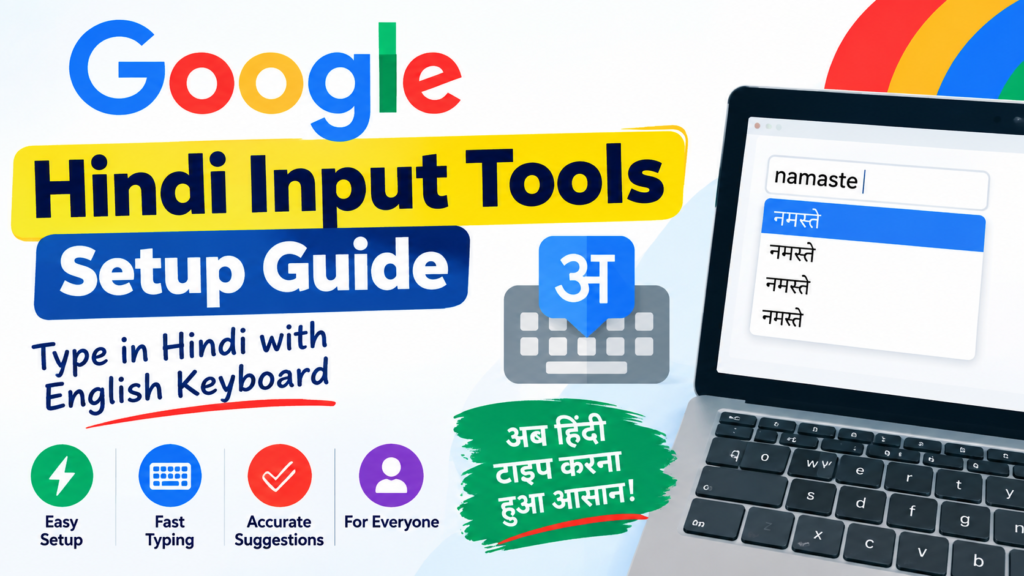
Google Hindi Input Tools make it easy to type in Hindi using a standard English keyboard. Instead of memorizing a Hindi keyboard layout, users can simply type words in English, and the tool automatically converts them into Hindi script. This feature is especially useful for students, professionals, bloggers, and anyone who regularly communicates in Hindi.
Setting up Google Hindi Input Tools is straightforward. First, download the software or install the browser extension from the official source if it is available for your platform. After installation, enable the Hindi input option in your language or keyboard settings. Once activated, select Hindi as your input language and begin typing English phonetic words. The tool will instantly suggest Hindi text, allowing you to choose the correct word with minimal effort.
One of the biggest advantages of Google Hindi Input Tools is its speed and accuracy. It supports intelligent word suggestions, making typing faster and reducing spelling mistakes. The tool is lightweight, user-friendly, and suitable for both beginners and experienced users. Whether you are writing emails, creating documents, chatting with friends, or publishing online content, it provides a smooth and efficient Hindi typing experience.
Overall, Google Hindi Input Tools offer a convenient solution for anyone looking to write in Hindi without learning a complex keyboard layout. With a quick setup process and intuitive features, it helps users type naturally and improve productivity across various digital platforms